


Tame the Classroom Clutter 🏷️✨
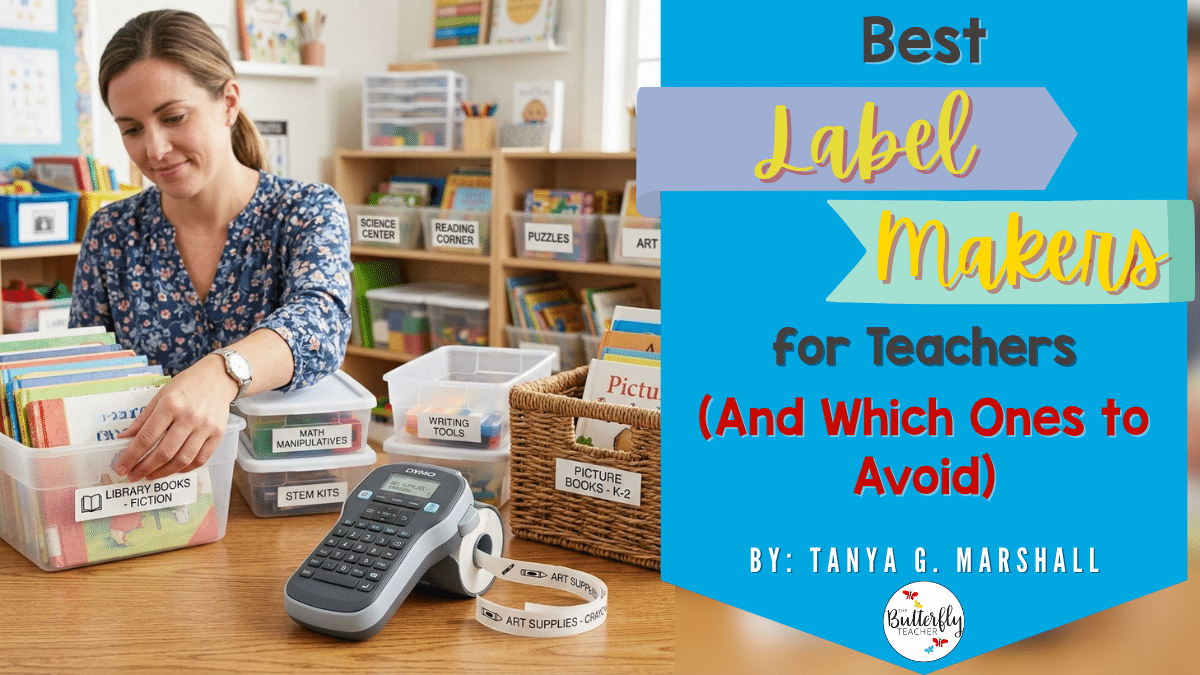
Your classroom gets messy fast. Bins stack up. Student supplies vanish. Small group tubs get mixed. Library books end up everywhere. Your teacher desk becomes a drop zone.
I learned early that labels are not extras. They create systems. They protect your time and your sanity. 🙌
But not every tool survives daily classroom use. Some peel off plastic bins. Some waste tape. Some cost more in refills than they should. 👎
In this guide on the best label makers for teachers, I will help you choose wisely and save both time and money. 😉
This post may contain affiliate links to Amazon for your convenience. As an Amazon Associate, I earn from qualifying purchases, which do not cost any extra for you. Please see the full disclosure here.
Why Teachers Need a Good Label Maker 🏷️
If you are researching the best label makers out there, you already know organization matters. The right tool supports your systems every single day.
Here is why it makes a difference:
• ⚡Faster classroom setup. You label bins, drawers, and shelves once and reuse them all year.
• 🧑🎓Easier student independence. Students grab supplies, return materials, and rotate through centers without asking you.
• 🔍Less lost materials. Clear labels on books and tubs reduce mix ups.
• 🧠Better classroom management. Small group bins stay organized. If you run rotations, my post on How Center Rotation Board Slides Can Transform Small Groups pairs perfectly with the best label makers for teachers.
• ⏳Saves time long term. Fewer questions. Fewer messes. More teaching.
What to Look for in a Classroom Label Maker 🔍🏷️
When choosing from which label makers to pick, use this quick checklist:
• Ease of use.⏱️ You should type and print in seconds, not minutes.
• Label durability.💪Tape must stick to plastic bins, books, and small group tubs without peeling.
• Tape size options.📏 Wider labels work for bins. Smaller ones fit supply cases and folders.
• Font and style choices.✍️ Clear fonts improve readability for students. Icons help younger grades.
• Portability.🧳 Lightweight models move easily around your room.
• App vs. keyboard.📱 Bluetooth models offer design flexibility. Keyboards feel faster for quick prints.
• Cost of refills.💰 Check tape prices before buying. Cheap machines can mean expensive refills.
Top Picks Teachers Swear By 🏷️
Disclosure: As an Amazon Associate I earn from qualifying purchases. Images of the featured label makers below are property of Amazon.
A. Best Overall for Most Teachers
When teachers ask about the best label makers, this is my balanced pick.

Brother P touch PT D220
– Easy keyboard model with multiple fonts. Reliable for daily classroom labeling.
✅ Pros: Durable tape. Simple setup. Affordable refills. ⛔ Cons: No Bluetooth. Basic screen.
– Who should buy it? Teachers who want dependable and simple label maker
B. Best Bluetooth App Based Label Maker
If you prefer design flexibility, these label makers connect to your phone.

NIIMBOT B21
– Retro style thermal printer. Strong app with templates.
✅ Pros: Crisp prints. No ink needed. ⛔ Cons: Bulkier than mini models.
• Who should buy it? Teachers labeling library books and bins.

Phomemo D30
– Compact Bluetooth model. Great for small labels.
✅ Pros: Lightweight. Affordable. ⛔ Cons: Limited width.
• Who should buy it? Primary teachers.

Phomemo M110
– Larger thermal option. Handles bigger labels.
✅ Pros: Clear barcodes. Strong adhesive. ⛔ Cons: Higher refill cost.
• Who should buy it? Teachers organizing storage rooms.
C. Best Budget Option
These label makers work if funds are tight.

Brother PT N20
– Simple. Affordable.
✅ Pros: Easy buttons. ⛔ Cons: Limited styles.
• Best for light use.

DYMO LetraTag LT 100H
– Compact keyboard unit.
✅ Pros: Widely available refills. ⛔ Cons: Slower printing.
• Best for starter classrooms.
D. Best for Heavy Classroom Use
For high volume printing, the following can handle the load.

Brother PT P750W
– Wireless desktop model.
✅ Pros: Fast printing. Wide tape sizes. ⛔ Cons: Higher price.
• Best for department leads.

Brother PT D610BT
– Bluetooth and keyboard combo.
✅ Pros: Flexible use. ⛔ Cons: Larger footprint.
• Best for shared workrooms.
E. Best Portable On the Go
Want to fit those label makers in your tote? Check the following!

NIIMBOT D11
– Pocket sized thermal.
✅Pros: Very light. ⛔ Cons: Narrow labels.
• Best for quick desk fixes.

Phomemo A30
– Slim Bluetooth model.
✅ Pros: Clean design. ⛔ Cons: Small print area.
• Best for labeling supplies on the move.
To help you compare quickly, here’s a summary of the best label makers for teachers. This table highlights each model, the category it excels in, its standout feature, and the typical price range.
Just a heads up: While I do my best to keep prices updated, Amazon prices change frequently. Clicking the link will take you to the current price on Amazon.
| MODEL | Best for | Best Feature | Price Range |
| Brother PT D220 | Overall | Durable laminated tape | $40-50 |
| NIIMBOT B21 | Bluetooth and/or Apps | Strong app templates | $60-70 |
| Brother PT N20 | Budget | Low upfront cost | $30-40 |
| Brother PT P750W | Heavy Use | Wide tape support | $140-150 |
| NIIMBOT D11 | Portability | Ultra compact | $20-30 |
Label Makers Teachers May Want to Avoid (And Why) ⚠️🏷️
Not every option marketed with the best label makers for teachers actually delivers in real classrooms. Some look affordable upfront but cost you time and patience later.
Here are a few to think twice about:
A. Super Cheap No Name Brands 📉
Why:
• Poor adhesive that peels off bins
• Break easily after light use
• Limited refill options
• Low quality apps
Cheap tools often mean cheap results 😬
B. Limited Tape Systems 🔄
Why:
• Very few size choices
• Hard to find refills locally
• Not flexible for classroom needs
Flexibility matters with the best label makers for teachers.
C. Models With Tiny Screens or Keyboards 🖥️
Why:
• Slow to type
• Frustrating for daily use
If it feels annoying on day one, it will not improve.
FAQs: Best Label Makers for Teachers ❓🏷️
If you are still comparing which label makers to use, these quick answers will help.
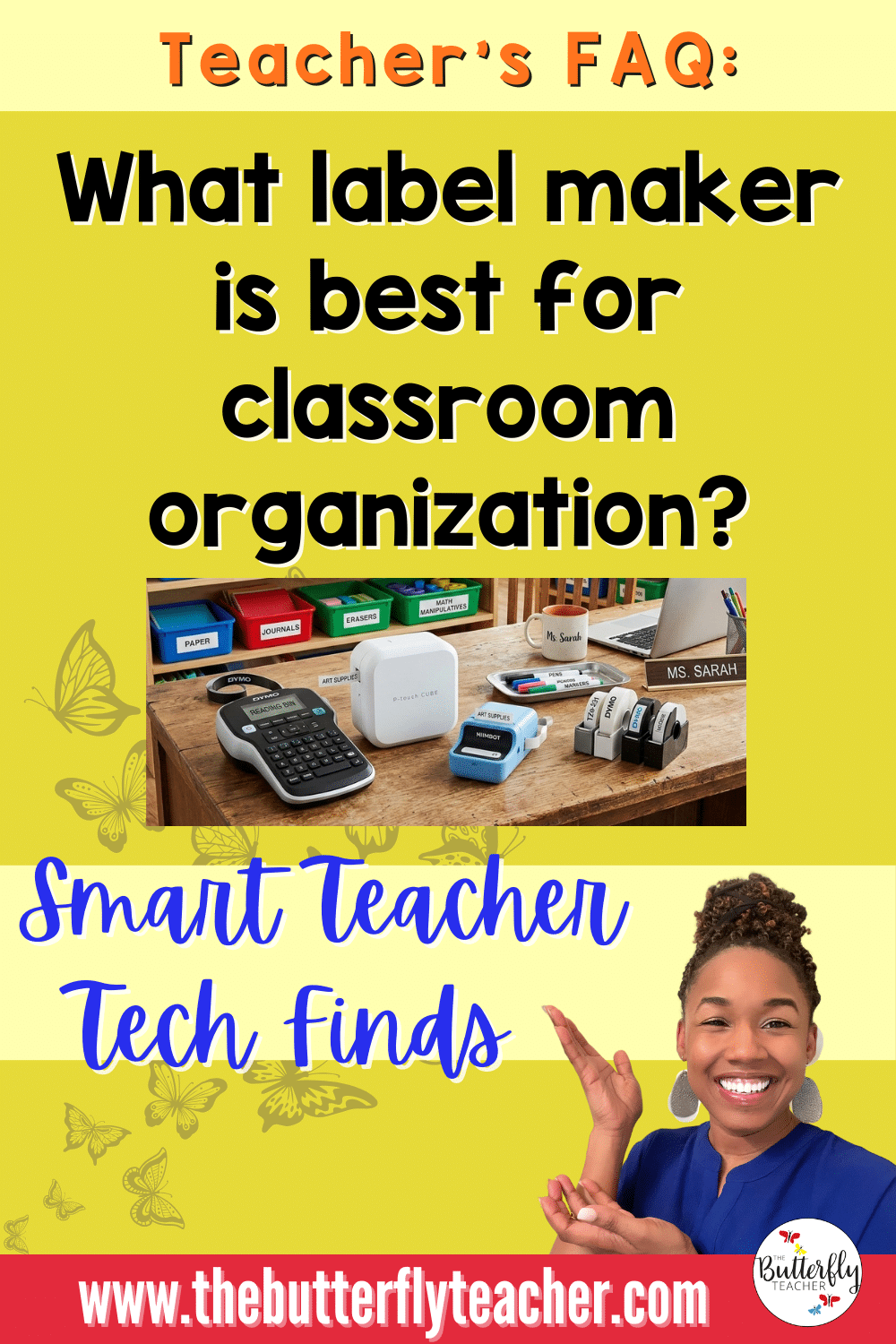
What label maker is best for classroom organization?
A durable model with multiple tape widths works best for bins, books, and centers.
Are Bluetooth label makers worth it for teachers?
Yes, if you want design flexibility and easy editing from your phone.
What size labels work best for bins and shelves?
Half inch to three quarter inch labels fit most classroom bins and shelves.
Do label makers work on plastic containers?
Yes, if you use strong adhesive tape and clean the surface first.
Are thermal labels better than tape labels?
Thermal works well for paper and short term use. Laminated tape lasts longer.
Can I make cute labels with fonts and icons?
Yes. Many of the best label makers for teachers offer fonts, frames, and icons.
Are label makers loud in the classroom?
Most are quiet. You can print during prep time to avoid distraction.
How long do label tapes usually last?
Several months with regular use, longer if you print in batches.
Which brand is easiest for beginners?
Brother keyboard models are simple and reliable.
Are label makers good for student desks and books?
Yes. They help students stay organized and responsible.
How I Use Label Makers in My Classroom Systems 🏷️
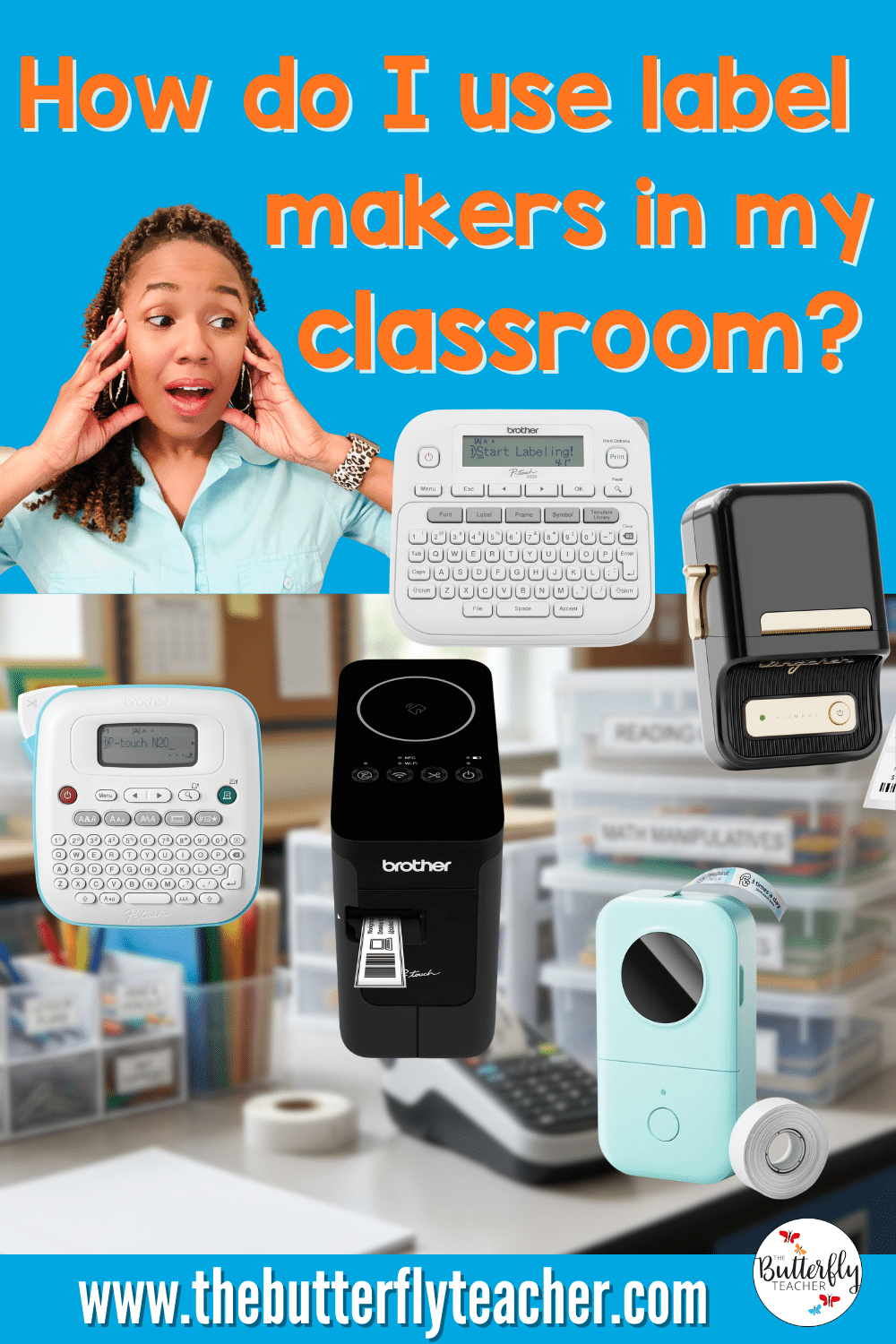
After testing several tools, I realized the best label makers for teachers make daily classroom routines smoother.
Here is how I use labels in my classroom:
• Centers. Each center bin has a clear subject label so students rotate without confusion. 🏬
• Supply bins. Markers, scissors, glue sticks, and crayons each have their own labeled container. Students return items quickly. 🗄️
• Small group tubs. Every group tub has labels for manipulatives, task cards, and whiteboards. It saves setup time during rotations. 📁
• Early finisher materials. Challenge activities and fast finisher folders stay organized and easy to grab. Speaking of organizing early finisher activities, you might want to check this resource about it HERE. 👈
• Storage. Extra notebooks, seasonal materials, and backup supplies stay sorted in labeled shelves.
Once everything has a place, classroom cleanup becomes much faster. 📦

Shop My Favorite Teacher Tools on Amazon 🛒📚
By the way, if you are comparing other classroom tools, I keep a curated list in my Amazon storefront.
I only include teacher tested items that actually hold up in busy classrooms.
Here is what you will find there:
• Classroom organization tools 🛠️
• Teacher tech tools 💻
• Storage solutions and supplies 💡
I update the lists regularly so you can quickly find tools that work without spending hours researching.
Follow my Amazon storefront to see my latest classroom favorites, tech tools, and organization finds HERE! 👈
💻 More Classroom Tech for Teachers
- Best Small Printers for Teachers
- Best Laminators for Classroom Use
- Best Document Cameras for Teachers
- The Best Classroom Pencil Sharpeners
My Top Picks for a More Organized Classroom 🏷️
Finally, if you’re having a hard time choosing the best label maker for you, start with a simple goal. Pick a tool that fits your classroom routines.
Here are my quick recommendations:

Best Overall Pick 🏆
Brother P touch PT D220 for reliability and simple daily use.

Best budget pick 💰
Brother PT N20 if you want a low cost starter option.

Best Bluetooth pick 🛜
NIIMBOT B21 if you prefer designing labels from your phone.
Once you choose one, start labeling your bins, centers, and supply tubs.
Have a favorite label maker already? Share it in the comments. Your tip might help another teacher. ✨