


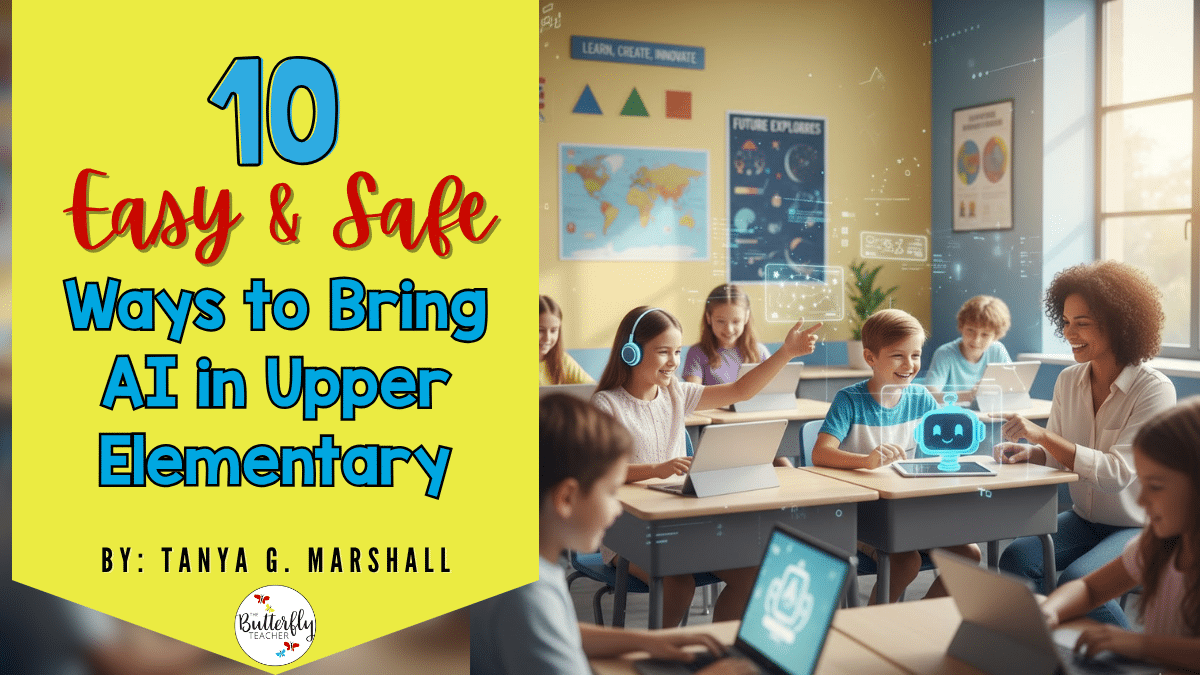
🌟 Stepping Into the Future: A Friendly Welcome to AI in Upper Elementary Classroom
If you’ve been curious but cautious about trying out AI tools with your students, you’re definitely not alone! Many teachers wonder if there’s a safe, age-appropriate way to explore AI in upper elementary without losing that hands-on classroom magic we love. 💡
In this post, I’m sharing practical, teacher-tested ideas to help you confidently bring AI into your 2nd–5th grade lessons.
This post may contain affiliate links to Amazon for your convenience. As an Amazon Associate, I earn from qualifying purchases, which do not cost any extra for you. Please see the full disclosure here.
🧠 What Does “AI in Upper Elementary” Look Like for 2nd–5th Grade?
At this age, students are naturally curious, and that’s what makes AI in upper elementary so exciting! 🎉 Think of AI tools as digital helpers that spark creativity and critical thinking. From generating fun writing prompts to creating quick quizzes or story starters, AI can make learning feel like an adventure.
For example, during a social studies unit, you might use a chatbot to role-play as a historical figure. Students can ask questions, practice inquiry skills, and deepen understanding, all while having a blast! 🏛️
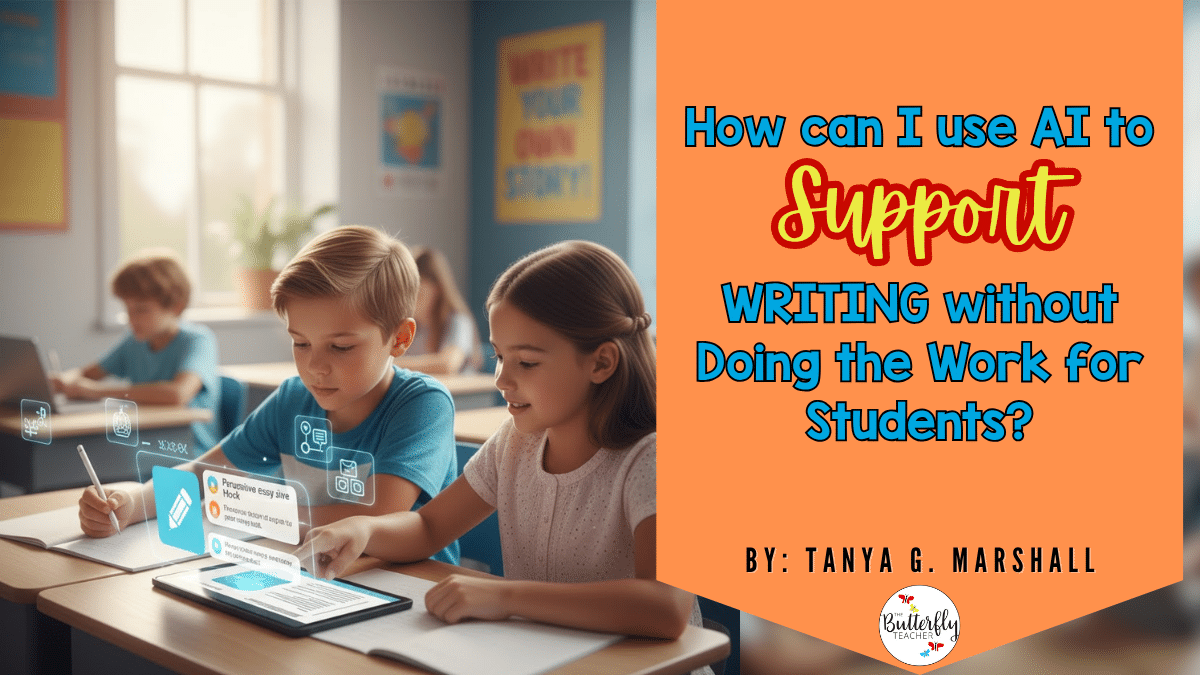
✍️ How Can I Use AI to Support Writing Without Doing the Work for Students?
One of the best ways to use AI in upper elementary is to guide students through the process of writing, not to write for them. ✨ Try using AI to help brainstorm ideas, improve word choice, or generate fun story starters.
For instance, students can ask a chatbot for three persuasive essay hooks, then choose one to expand on their own. This keeps creativity and ownership in their hands while still making AI in upper elementary a meaningful writing partner. 📝
💬 What’s a Safe Way to Teach Vocabulary Using AI Tools?
Bringing AI in upper elementary vocabulary lessons can turn word work into something kids genuinely enjoy! 🎯 Try using AI for interactive word games, synonym hunts, or sentence challenges. Students can ask AI to suggest stronger word choices, like five alternatives for “nice”, then use one in a creative sentence or short story.
This approach builds vocabulary skills and confidence while showing how AI in upper elementary can support language growth safely and responsibly. 🌟
🎥 How Can AI Avatars Make My Lessons More Engaging?
Using AI in upper elementary doesn’t have to mean more screen time, it can mean more fun time! 🪄 Imagine introducing an AI avatar, like a mini version of yourself, to reteach a tricky math concept or give directions in a silly voice. Students light up when lessons feel fresh and interactive.
In my YouTube video featuring a “baby teacher” AI clone, I show how these avatars can bring lessons to life. It’s a creative way to make AI in upper elementary both exciting and memorable! 💫
🔍 How Can I Use AI to Teach Fact-Checking and Critical Thinking?
Teaching students to think critically is easier with AI in upper elementary than you might expect! 🧩 You can create “spot the error” activities where AI generates short paragraphs containing intentional mistakes. Students then identify and correct them, practicing fact-checking and reasoning skills.
For example, ask AI to write a historical paragraph with two errors. Students work together to find and fix them, showing how AI in upper elementary can strengthen analytical thinking in a safe, classroom-friendly way. ✅
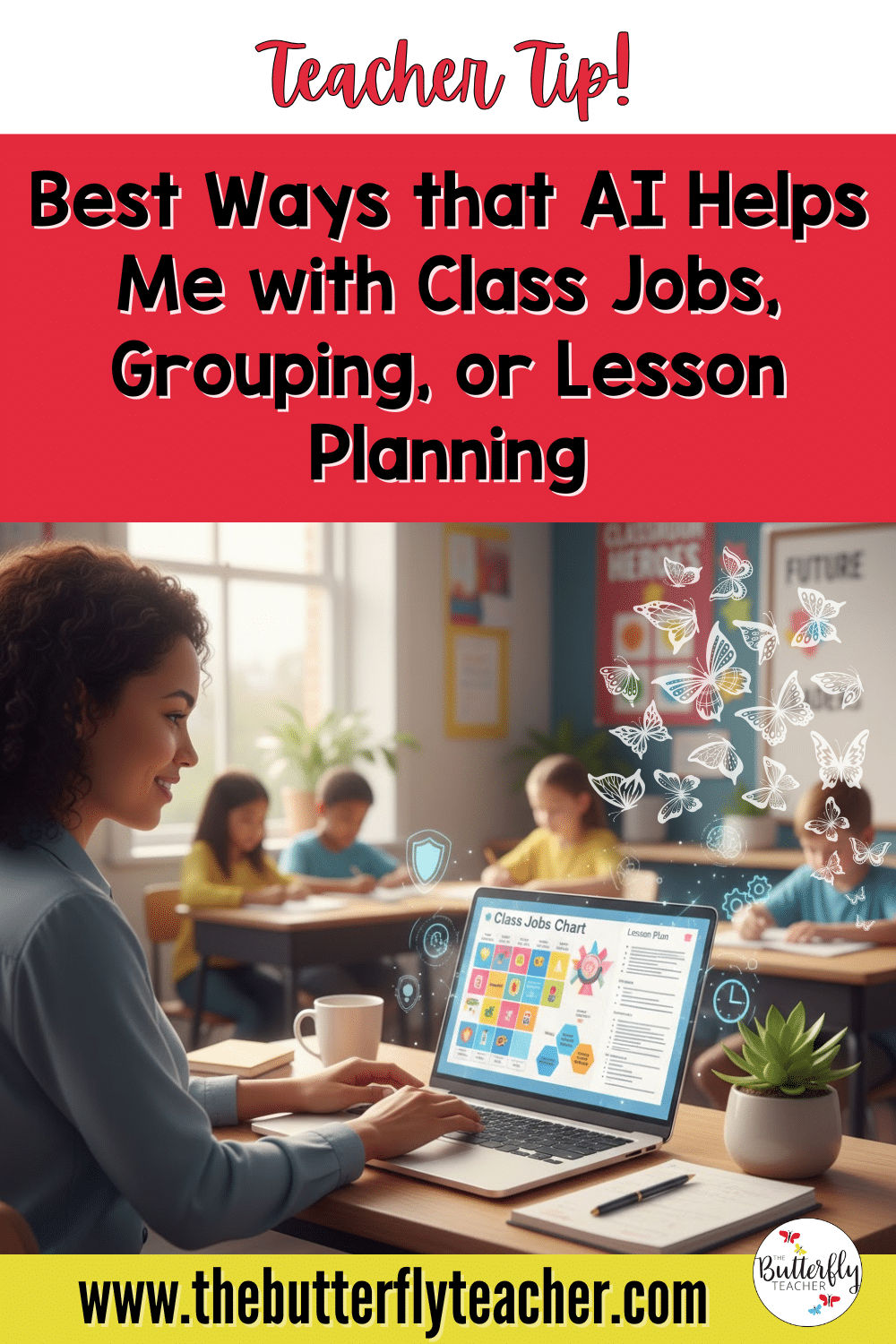
🗂️ Can AI Help Me with Class Jobs, Grouping, or Planning?
Yes! AI in upper elementary can be a huge time-saver for teachers while keeping student data private. 🛡️ You can ask AI to draft class job charts, create rotating group schedules, or even help plan lesson activities.
For example, I’ve used AI to generate a rotating class job chart in minutes, then tweaked it for fairness and balance. This shows how AI in upper elementary can streamline planning, leaving more time for teaching and connecting with students. ⏰
🌎 How Can I Use AI to Support English Learners and Diverse Needs?
Supporting diverse learners is a perfect way to explore AI in upper elementary. 💬 AI can simplify complex instructions, translate words or sentences, and even model language for students who need extra support.
For example, I’ve used AI to rephrase directions into simpler language or provide sentence starters for writing assignments. These small tweaks show how AI in upper elementary can help every student participate confidently and independently in classroom activities. ✨
🛡️ What Rules Should I Set for Safe AI Use in My Classroom?
Setting clear boundaries is key when introducing AI in upper elementary. 📌 Talk with students about digital citizenship and what responsible AI use looks like.
One simple strategy is to create a class anchor chart listing “What we use AI for vs. What we don’t.” This gives students a visual reminder and encourages safe, thoughtful interactions with AI tools, helping them learn with technology, not rely on it. ✅
🎨 What AI Tools Are Best for Creative Projects with Kids?
Creativity shines when using AI in upper elementary for projects like art, poetry, or story mapping. 🖌️ Free, age-appropriate tools let students bring ideas to life in fun ways.
I especially love Canva’s suite of AI tools in Canva for Education, students can generate images, design book covers, or create engaging visual projects. For example, they might use a text-to-image tool to illustrate a story they wrote, making learning both imaginative and interactive. This is a safe and exciting way to explore AI in upper elementary creativity! ✨
📝 How Do I Teach My Students to Write Good Prompts and Use AI Responsibly?
Teaching students to craft clear prompts is a powerful literacy skill and a safe way to use AI in upper elementary. 📚 Start by comparing vague versus specific prompts and reflecting on how AI responds.
Tools like Magic School and Eduaide.ai make this practice interactive and student-friendly. By guiding students to ask thoughtful questions, you help them use AI responsibly while strengthening writing, critical thinking, and problem-solving skills, all in one lesson! 💡
🌈 Conclusion: Embracing AI with Confidence
Remember, AI in upper elementary is here to enhance your teaching, not replace the magic of hands-on learning. ✨ Start small, try one idea from this post and see how it sparks engagement in your classroom.

For more tips and detailed guides, check out my ChatGPT Guide for Teachers blog post. And don’t forget to share your experiences or questions in the comments or via email, I love hearing how teachers bring these ideas to life! 💬