


🦋 Taming the Paper Chaos in the Classroom
If you’ve ever stared at mountains of student papers taking over your desk, you know the struggle is real! 😅 That’s why more and more educators are turning to digital tools to stay organized, share work easily, and save time.
Going paper-light isn’t just about decluttering, it’s about working smarter. In this post, I’ll walk you through the best scanners for teachers that make it easy to digitize student work and old resources. Ready to simplify your teaching life? Let’s explore the best scanners for teachers together!
This post may contain affiliate links to Amazon for your convenience. As an Amazon Associate, I earn from qualifying purchases, which do not cost any extra for you. Please see the full disclosure here.
📸 What Makes a Scanner Truly Teacher-Friendly
Not all scanners are created equal, especially when it comes to classroom needs! Before choosing from the best scanners for teachers, it helps to know what features will actually make your life easier. Here’s what to look for 👇
- ✅ Speed & Efficiency: Choose a scanner with duplex scanning and an Automatic Document Feeder (ADF) so you can scan double-sided worksheets in minutes instead of hours.
- 💾 Cloud Compatibility: Pick one that connects to Google Drive, Dropbox, or email. Uploading student work straight to the cloud saves so much time!
- 🧰 Portability vs. Power: If you scan weekly batches of papers, a desktop model is worth it. But if you just need to digitize a few items on the go, a portable scanner is your best friend.
- 💸 Value for Money: Don’t overpay for fancy extras you won’t use. The right scanner balances quality and practicality.
💡 Teacher Tip: Before buying, estimate how many pages you scan each week, that’ll help you choose from the best scanners for teachers that fit both your needs and your budget.
🖥️ My Top Picks: The Best Scanners for Teachers You’ll Actually Love
After testing and researching different options, I’ve narrowed down the best scanners for teachers that make digitizing schoolwork simple and stress-free. Whether you need a high-speed classroom workhorse or a small scanner that fits in your tote bag, these three models are reliable, teacher-approved favorites.


1️⃣ Fujitsu ScanSnap iX2500 – The Classroom Workhorse
If you deal with mountains of student worksheets, data folders, or anchor charts, this one’s your time-saving hero. The Fujitsu ScanSnap iX2500 can handle large batches at once thanks to its generous 100-sheet Automatic Document Feeder.
Highlights:
- ⚡ Fast duplex scanning (scans both sides automatically)
- 📁 Smart software that organizes your PDFs and converts them into searchable files
- ☁️ Cloud-connected for easy uploads to Google Drive or Dropbox
Pros:
- Scans stacks of papers in minutes
- User-friendly touchscreen
- Excellent image clarity
Cons:
- Pricier than compact models
- Larger footprint on your desk
👉 Perfect for teachers who scan in bulk and want a long-term investment.


2️⃣ Brother ADS-1300 – Compact & Budget-Friendly
This little powerhouse is ideal for teachers with limited space but big scanning needs. The Brother ADS-1300 offers duplex scanning in a sleek, portable design that fits right beside your laptop.
Highlights:
- 🧾 Single-pass duplex scanning
- 🧰 Lightweight and small enough for teacher desks
- 💻 Connects via USB and works seamlessly with most computers
Pros:
- Great balance of speed and affordability
- Easy setup and use
- Compact size saves desk space
Cons:
- Smaller paper feeder (around 20 sheets)
- Not as fast as premium models
👉 Perfect for teachers who want quality scanning without spending too much.


3️⃣ Doxie Go SE – The Portable Powerhouse
Always on the go? The Doxie Go SE is a battery-powered, truly portable option for scanning on the fly. Slip it into your teacher bag and scan anywhere, no cords or computer needed!
Highlights:
- 🔋 Rechargeable and wireless (optional Wi-Fi model available)
- 📷 Scans up to 600 dpi, great for photos, drawings, or quick handouts
- 💾 Saves directly to memory or cloud
Pros:
- Extremely lightweight and travel-friendly
- Easy to use, even without a computer
- Affordable and perfect for light scanning tasks
Cons:
- Scans one page at a time (no duplex)
- Slower for large batches
👉 Perfect for teachers who need flexibility and portability on a budget.
Each of these models deserves its spot among the best scanners for teachers because they meet real classroom needs, saving time, space, and sanity! Whether you’re digitizing entire student portfolios or preserving old lesson plans, there’s a scanner here to match your teaching lifestyle.
📊 Quick Comparison at a Glance
Here’s a side-by-side look at how these scanners stack up so you can choose what fits your classroom needs best. These truly represent the best scanners for teachers across different needs and budgets.
| Model | Duplex | Speed | ADF Capacity | Portability | Ideal For | Approx. Price Range |
| Fujitsu ScanSnap iX2500 | ✅ Yes | ⚡ Very Fast | 100 sheets | ❌ Stationary | High-volume scanning | 💲💲💲 ~$400-450 |
| Brother ADS-1300 | ✅ Yes | ⚡ Moderate | 20 sheets | ✅ Compact | Small spaces & moderate use | 💲💲 ~$200-260 |
| Doxie Go SE | ❌ No | 🕐 Slower | 1 sheet | 🌟 Highly Portable | On-the-go teachers | 💲 ~$180-200 |
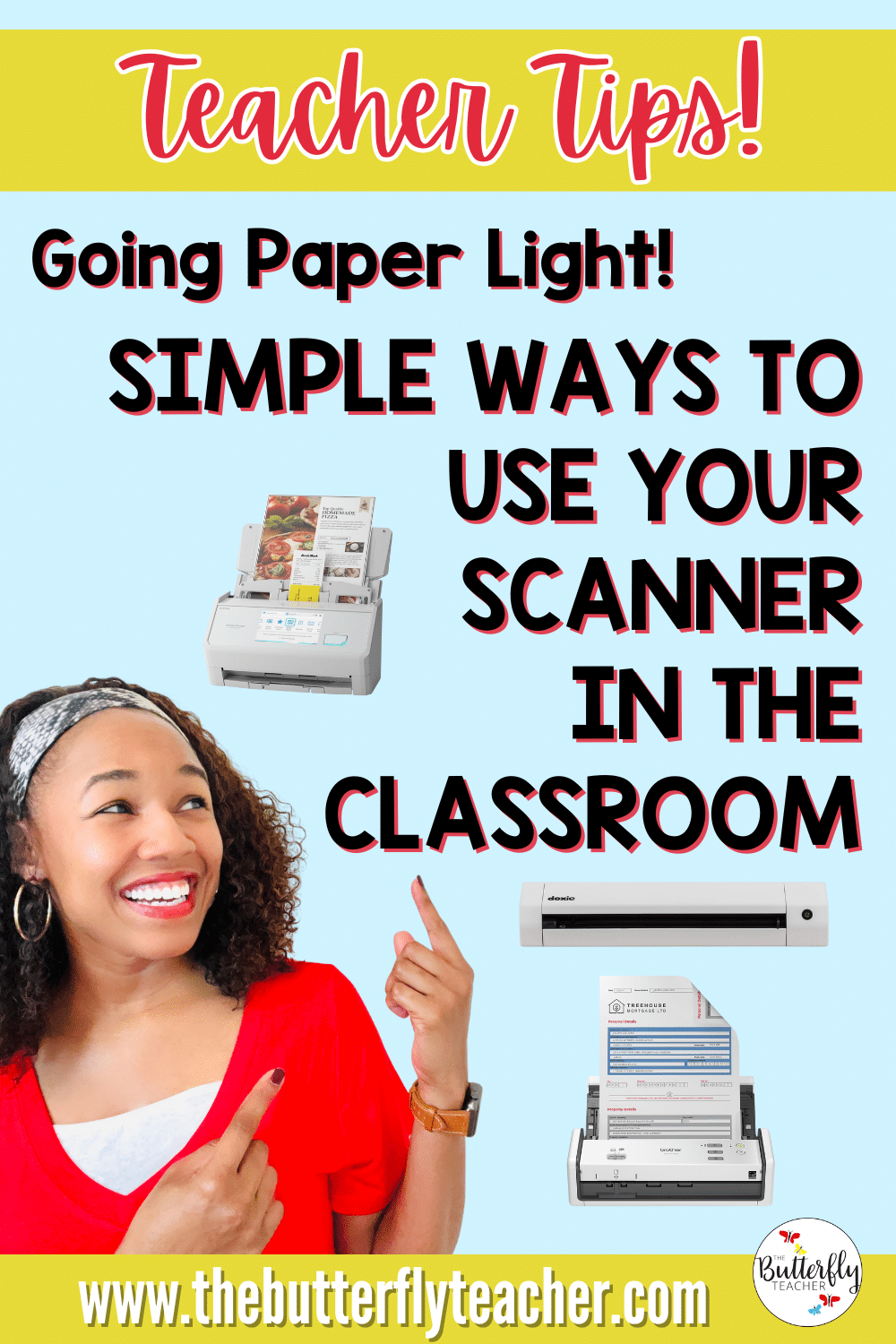
🗂️ Going Paper-Light: Simple Ways to Use Your Scanner in the Classroom
Once you’ve picked your top option from the best scanners for teachers, it’s time to make it work for you! Here are easy, teacher-tested ways to go paper-light without feeling overwhelmed:
- 🧾 Digitize Student Work: Scan class projects, essays, and artwork to create digital portfolios. It’s a great way to showcase student growth for parent teacher conferences while also saving space.
- 🕓 Declutter & Preserve: Turn those old anchor charts, task cards, and handouts into neat PDFs, perfect for long-term storage or quick reprints. This is a great, yet simple classroom organization hack!
- 💻 Integrate with Classroom Tools: Upload scanned work straight to Google Classroom, Seesaw, or your learning management system for easy student access.
- 🔐 Stay Organized: Create folders by subject or grading period, label them clearly, and stick to consistent file names for easy searching later.
✨ Bonus Tip: Set up a “Scanned Work” folder in your cloud drive and share it with parents during conference time, it’s a quick way to highlight student progress!
💬 Teacher FAQs: Scanning Made Simple
Here are some quick answers to the most common teacher questions about using the best scanners for teachers and going digital in the classroom:
📱 Can I use these scanners with a Chromebook or tablet?
Absolutely! Many of the best scanners for teachers, like the Brother ADS-1300 and Doxie Go SE, connect easily through Wi-Fi or a USB cable. Some even allow direct uploads to cloud apps that work seamlessly on Chromebooks and tablets.
🎨 What’s the best scanner for art projects or photos?
If you’re scanning colorful student art or photos, go for a model with high DPI and excellent color accuracy. The Fujitsu ScanSnap iX2500 or Doxie Go SE will capture every vibrant detail beautifully.
🗃️ How can I organize my digital files effectively?
Keep it simple: use clear, consistent file names like 2025_Grade4_WritingSamples and store them in folders by subject or month.
🔐 Is it safe to store student work online?
Yes, just stick to password-protected folders and use secure cloud storage options like Google Drive or Dropbox, which encrypt your files automatically.
🌟 Final Thoughts: Small Scans, Big Classroom Wins
You don’t have to go fully digital overnight—even small steps toward a paper-light classroom can make a huge difference! 🌈 Scanning your student work and old teaching resources helps you stay organized, simplify grading, and reclaim valuable teacher desk space. The best scanners for teachers make this process seamless, saving time while keeping your favorite materials just a click away.
Ready to clear your desk and breathe easier? ✨ Explore the links above to grab one of the best scanners for teachers and start your paper-light journey today!
💬 I’d love to hear from you! Share your favorite tech tools or classroom scanners in the comments below, let’s keep inspiring each other to work smarter, not harder.